
I hear this phrase almost every time I meet a new small business owner.
They are drowning in administrative tasks. Their website is duct-taped together with five different plugins. They are spending their evenings fighting with spreadsheets instead of with their families.
They know they need technical help. But when they think about hiring a professional developer, they see a giant dollar sign and immediately shut down.
“I just can’t afford that right now.”
As a single mom and a small business owner myself, I completely understand that fear. Cash flow is everything.
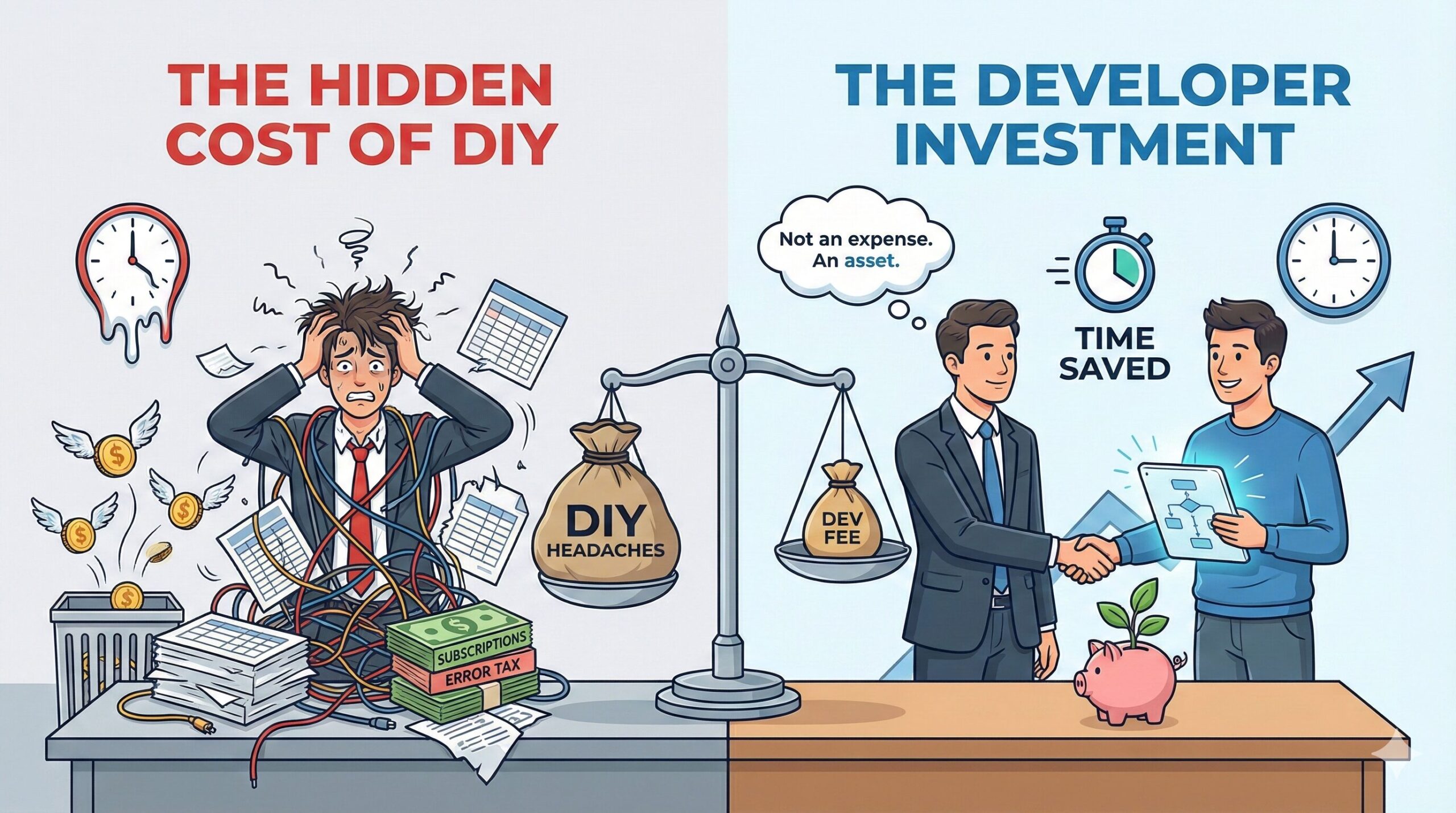
But here is the hard truth that I’ve learned in over 10 years in this industry: Trying to “DIY” everything is often more expensive than hiring a professional.
When you look at a developer’s quote, you are seeing the upfront cost. What you aren’t seeing is the hidden cost of keeping things the way they are.
Here is how a good developer doesn’t just cost you money—they actually save it.
1. The “Subscription Killer” Strategy (Direct Cash Savings)
Go look at your business credit card statement. How many small, recurring monthly charges do you see for software?
Many businesses use three or four different $20/month apps to patch together a workflow. Maybe one app handles shipping labels, another watermarks images, and a third connects your email list.
- $60 a month doesn’t seem like much right now.
- But that’s $720 a year, every year, forever.
How a Dev Saves You Money: Often, the specific jobs those three apps do can be replaced with one piece of custom code. You pay a developer a one-time fee to build exactly what you need, and you own it forever. You can cancel those monthly subscriptions instantly.
In many cases, a custom script pays for itself in less than a year. After that, it’s pure profit.
2. Eliminating the “Error Tax”
What does it cost you when you make a mistake because you’re rushing through manual data entry?
If you are manually copying customer addresses from emails into your shipping software, eventually, you will make a typo.
- The cost of that typo: You have to refund the customer, pay for return shipping, pay to ship a replacement, and potentially lose a repeat client due to frustration.
How a Dev Saves You Money: We build automation bridges between your systems. When your website automatically sends the correct address to your shipping label printer, human error is eliminated. You stop paying the “Error Tax.”
3. The Opportunity Cost Calculator (The Big One)
This is the hardest cost to see, but it’s the most damaging.
If your hourly rate is $100 an hour (and as a business owner, it should be at least that), and you spend 5 hours a week wrestling with your website or resizing photos, you are lighting $500 a week on fire.
Every hour you spend doing low-level technical tasks is an hour you are not spending on high-value tasks like marketing, creating new products, or serving clients.
How a Dev Saves You Money: By outsourcing the technical headaches, you buy back your own time. If you pay a developer $500 to fix a problem that saves you 5 hours a week forever, that is the best investment you will ever make in your business.
A Budget-Friendly Approach
At Strahan Web Development, I don’t believe in frightening clients with massive quotes for giant projects they don’t need yet.
I believe in solving immediate pain points.
If your budget is tight, we don’t have to rebuild your entire e-commerce empire. We can start with one small automation script that fixes your biggest headache for a flat, affordable fee.
Let’s look at the math together.
What is one technical task that is currently costing you time or money? Let’s talk about how to eliminate it.
Leave a Reply